You can connect a lot of different sensors to the EV3 bricks.
In the following you will be introduced to the most common ones, that you are probably going to need when participating in the RoboLab.
Important: the Modbricks don't support auto detection of sensors! When initializing, you have to manually set the mode and device of the Port your Sensor is connected to:
use ev3dev_lang_rust::{Ev3Result, LegoPort};
use ev3dev_lang_rust::sensors::{ColorSensor, SensorPort};
use std::thread;
use std::time::Duration;

fn init_color_sensor(port: SensorPort) -> Ev3Result<ColorSensor> {
    let lego_port = LegoPort::get(port)?;
    lego_port.set_mode("ev3-uart")?;
    lego_port.set_device("lego-ev3-color")?;

    // important: wait for kernel module to adapt paths
    thread::sleep(Duration::from_millis(100));

    ColorSensor::get(port)
}

let cs = init_color_sensor(SensorPort::In1)?;
The sensor mode is
ev3-analogfor the touch sensor andev3-uartfor all others.
The sensor class can be found in the ev3dev Sensor API Docs.
¶ Color Sensor
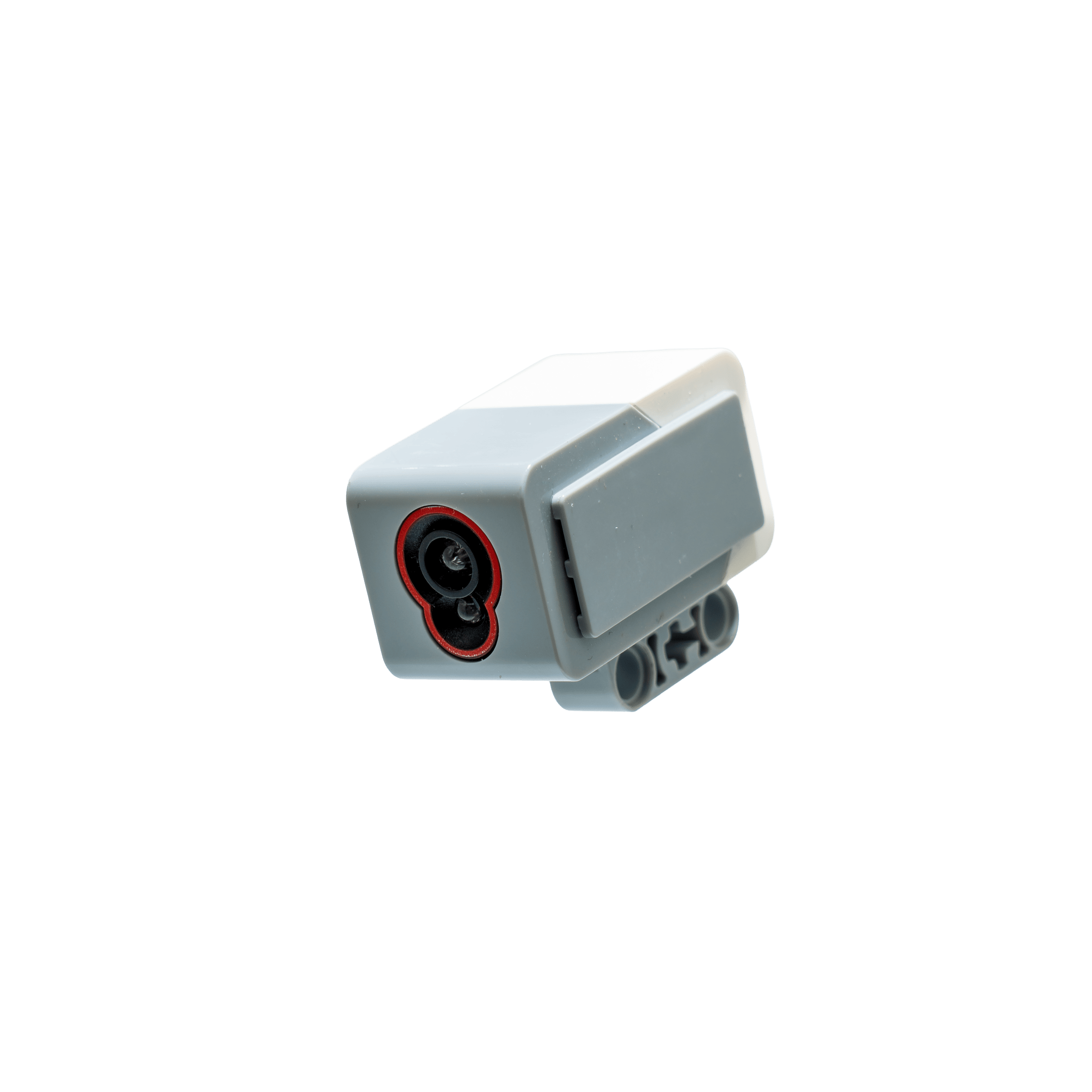
The color sensor can measure light intensity and color values.
There are a number of modes that the sensor can use.
Make sure to pick one that is suitable for your task.
For best results, it is recommended to create a shield to cover the sensor and keep the distance between 8-12mm to the object.
Continuous, fast changes of the sensing mode can slow down your robot and may lead to instabilities or crashes.
Therefore, it is recommended to stick with one.
¶ Color Mode
This mode returns the estimated color.
It is fairly limited as just 8 different values are distinguished.
# Python
import ev3dev.ev3 as ev3

cs = ev3.ColorSensor()
cs.mode = 'COL-COLOR'
cs.value()
> 1
// Rust
extern crate ev3dev_lang_rust;

use ev3dev_lang_rust::Ev3Result;
use ev3dev_lang_rust::sensors::ColorSensor;

fn main() -> Ev3Result<()> {
    let cs = init_color_sensor(SensorPort::In1)?;
    cs.set_mode_col_color()?;
    println!("Current rgb color: {:?}", cs.get_color()?);

    Ok(())
}
| Value | Color |
|---|---|
| 0 | % |
| 1 | black |
| 2 | blue |
| 3 | green |
| 4 | yellow |
| 5 | red |
| 6 | white |
| 7 | brown |
The colors returned within this mode are not based on the colors of our maps have and can therefore vary. It is adviced to use other modes to calculate the colors individually instead.
¶ Raw Mode
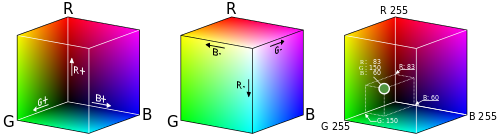
In this mode the sensor returns triples of the RGB color space.
# Python
import ev3dev.ev3 as ev3

cs = ev3.ColorSensor()
cs.mode = 'RGB-RAW'
cs.raw
> (354, 415, 543)
// Rust
extern crate ev3dev_lang_rust;

use ev3dev_lang_rust::Ev3Result;
use ev3dev_lang_rust::sensors::ColorSensor;

fn main() -> Ev3Result<()> {
    let cs = init_color_sensor(SensorPort::In1)?;
    cs.set_mode_rgb_raw()?;
    println!("Current rgb color: {:?}", cs.get_rgb()?);

    Ok(())
}
It is important to know that the values cs.raw() returns ranges from 0 to 1020.
The image above just is just to give a better understanding of the color ranges and the numbers there should be ignored.
¶ Read bin_data directly
The fastest way to retrieve color values is to directly read the bin_data attribute from the sensor.
This attribute returns the raw binary data from each sensor, and must be interpreted accordingly to sensor type and sensor mode.
To interpret the data, read the description of bin_data in the respective ev3dev Documentation.
Please see the respective Sensor class in ev3dev-lang-rust and python-ev3dev.
# Python
import ev3dev.ev3 as ev3

cs = ev3.ColorSensor()
cs.mode = 'RGB-RAW'
cs.bin_data('hhhh')
// Rust
extern crate ev3dev_lang_rust;

use ev3dev_lang_rust::Ev3Result;
use ev3dev_lang_rust::sensors::ColorSensor;

fn main() -> Ev3Result<()> {
    let cs = init_color_sensor(SensorPort::In1)?;
    cs.set_mode_rgb_raw()?;
    println!("Current bin data: {:?}", cs.get_bin_data()?);

    Ok(())
}

}
¶ Touch Sensor
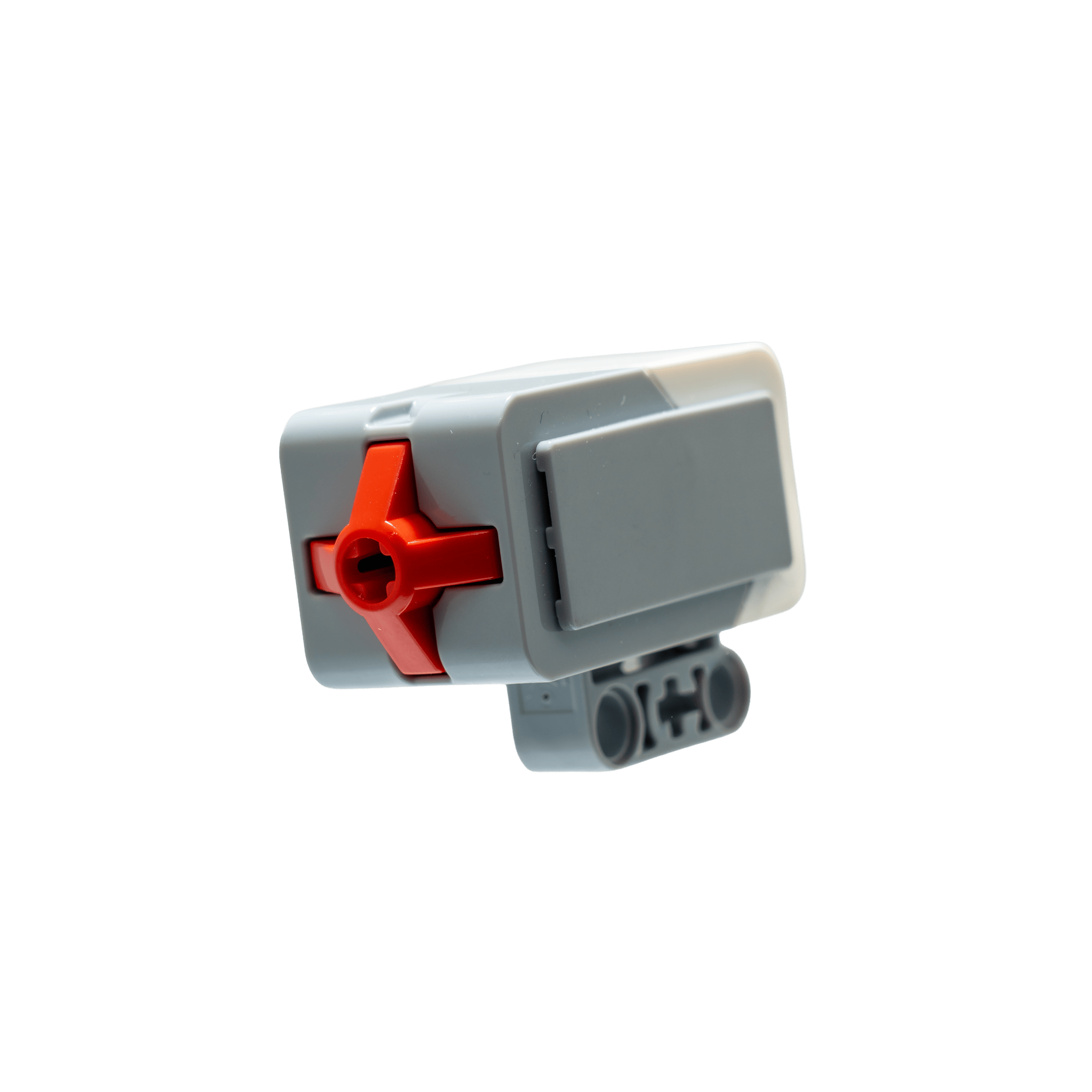
A touch sensors simply returns if the button at its front is currently released or being pressed.
These sensors do not support any commands or modes.
| Value | Description |
|---|---|
| 0 | Released |
| 1 | Pressed |
# Python
import ev3dev.ev3 as ev3

ts = ev3.TouchSensor()
ts.value()
0

# [press sensor]
ts.value()
1
// Rust
extern crate ev3dev_lang_rust;

use ev3dev_lang_rust::Ev3Result;
use ev3dev_lang_rust::sensors::TouchSensor;

fn main() -> Ev3Result<()> {
    let ts = init_touch_sensor(SensorPort::In1)?;
    println!("Current button state: {:?}", ts.get_pressed_state()?);

    Ok(())
}
¶ Gyro Sensor
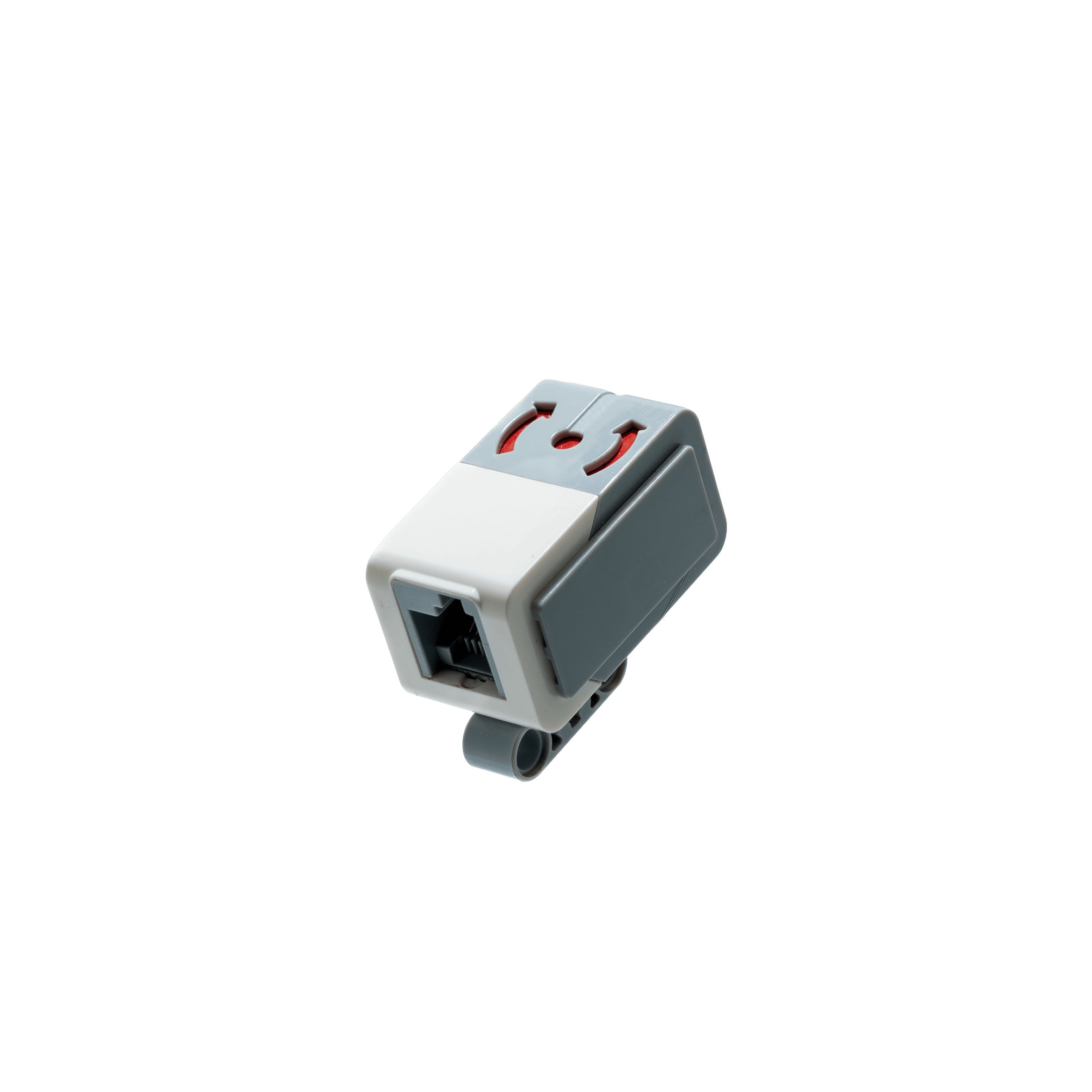
The gyro sensor measures angular velocity and has to be calibrated initially.
Make sure to keep the robot or sensor still while performing the initial calibration.
Otherwise, you set a wrong base and so-called gyro drift will occur, rendering the measurements useless.
Due to high inaccuracy of the gyro sensor, its use is only recommended if your program is designed with fault tolerance in mind.
# Python
import ev3dev.ev3 as ev3

gs = ev3.GyroSensor()
gs.mode = 'GYRO-CAL'  # calibrate to 0 twice
gs.mode = 'GYRO-CAL'
gs.mode = 'GYRO-ANG'
gs.value()
0

# [rotate sensor]
gs.value()
33
// Rust
extern crate ev3dev_lang_rust;

use ev3dev_lang_rust::Ev3Result;
use ev3dev_lang_rust::sensors::GyroSensor;

fn main() -> Ev3Result<()> {
    let gs = init_gyro_sensor(SensorPort::In1)?;
    gs.set_mode_gyro_cal()?;
    gs.set_mode_gyro_ang()?;
    println!("Current angle: {:?}", gs.get_angle()?);

    Ok(())
}
¶ Ultrasonic Sensor
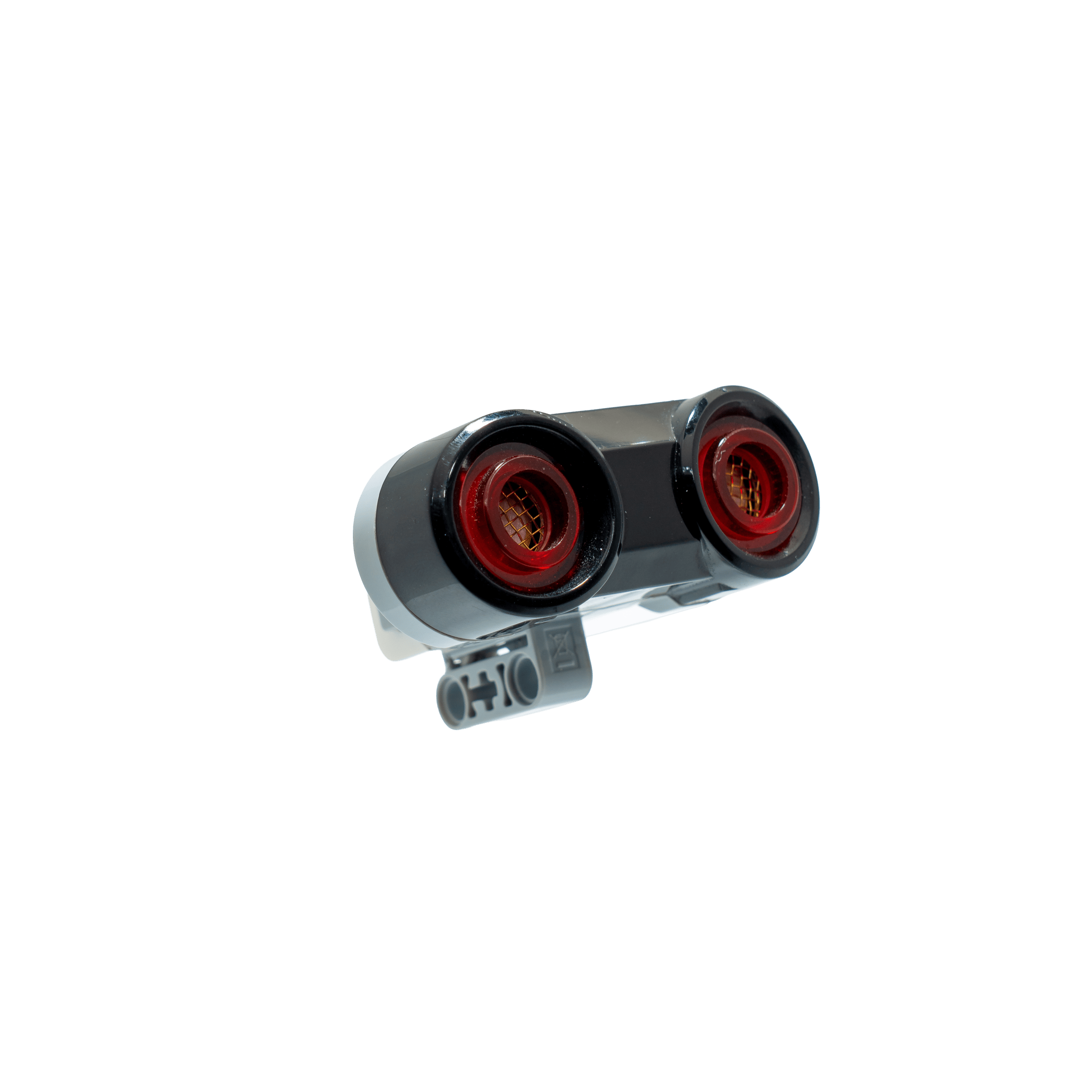
The ultrasonic sensor can be used to detect obstacles lying ahead.
Measurements can be done in centimeters or inch.
It is also possible to detect other ultrasonic sensors nearby.
Please take into account that the sensor will sometimes lock up if the mode was changed too frequently (e.g. by calling
distance_*methods).
A delay of 250ms is highly recommended avoiding sensor timeouts.
Placing the sensor at the same height, at which the bottles concaved and knobbed area is located, can lead to problems. The sensor won't be able to register bounced sound waves due to the bottle area dispersing reflections.
# Python
import ev3dev.ev3 as ev3

us = ev3.UltrasonicSensor()
us.mode = 'US-DIST-CM'  # Continuous measurement in centimeters (for inch use US-DIST-IN)
us.mode = 'US-SI-CM'  # Single measurement in centimeters (for inch use US-SI-IN)
us.distance_centimeters  # Not recommended
35.0

us.value()  # Prevents setting the mode again, just fetches the value - in MM this time
350
// Rust
extern crate ev3dev_lang_rust;

use ev3dev_lang_rust::Ev3Result;
use ev3dev_lang_rust::sensors::UltrasonicSensor;

fn main() -> Ev3Result<()> {
    let us = init_us_sensor(SensorPort::In1)?;
    us.set_mode_us_dist_cm()?;
    println!("Current distance: {:?}", us.get_distance_centimeters()?);

    Ok(())
}
¶ References
¶ Color Sensor
¶ Light Sensor
¶ Touch Sensor
¶ Gyro Sensor
- ev3dev Docs
- python-ev3dev Docs (API)
- internally uses ISZ-655 Single Axis Z-Gyro (dual-mass vibratory MEMS gyroscope)
- integer overflow at 32k