In order to execute code on the EV3, a connection between your computer and the brick has to be set up.
This can be done either via USB or Wi-Fi.
Depending on your operating system, one of the methods described below may work better or worse than others.
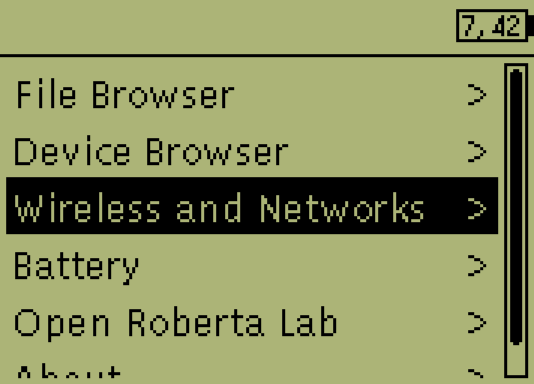
To establish and configure any connection, head over to the "Wireless and Networks" sub menu in Brickman.
Please follow the official ev3dev documentation (linked below) carefully in order to get your connection working.
If the brick finds the network
RoboLab Playgroundis connects to it by default. No scan required.
- We recommend using a connection via Wi-Fi whenever possible:
- Enter
Wireless and Networksand executeStart Scan - Select the one you want to use after the scan has finished
- Enter the password using the on-screen keyboard
- Hit
Acceptand wait until the connection is established
- Enter
It is advisable to read the EV3DEV docs first before setting up an USB connection.
- If you prefer the wired solution, go through the USB configuration setup:
- Read the EV3DEV docs in order to set up a shared connection on YOUR system!
- Enter
All Network Connectionsand selectWired - Load the connection defaults for your OS with
IPv4 > Change > Load <System> defaults - Check
Connect automatically - Execute
Connectand wait until the connection is established